Portrait + full length
Full-length photo biodata
Marriage biodata with full photo
Traditional families often want two photos: a clear headshot for page 1, and a full-length standing portrait on page 2. Vivaahli supports that pattern natively — opt-in appendix, crop-to-frame, live preview that matches the PDF.
Updated 6 August 2026
Page 1 portrait · Page 2 full length · No signup
How the PDF is laid out
→ Portrait stays on page 1
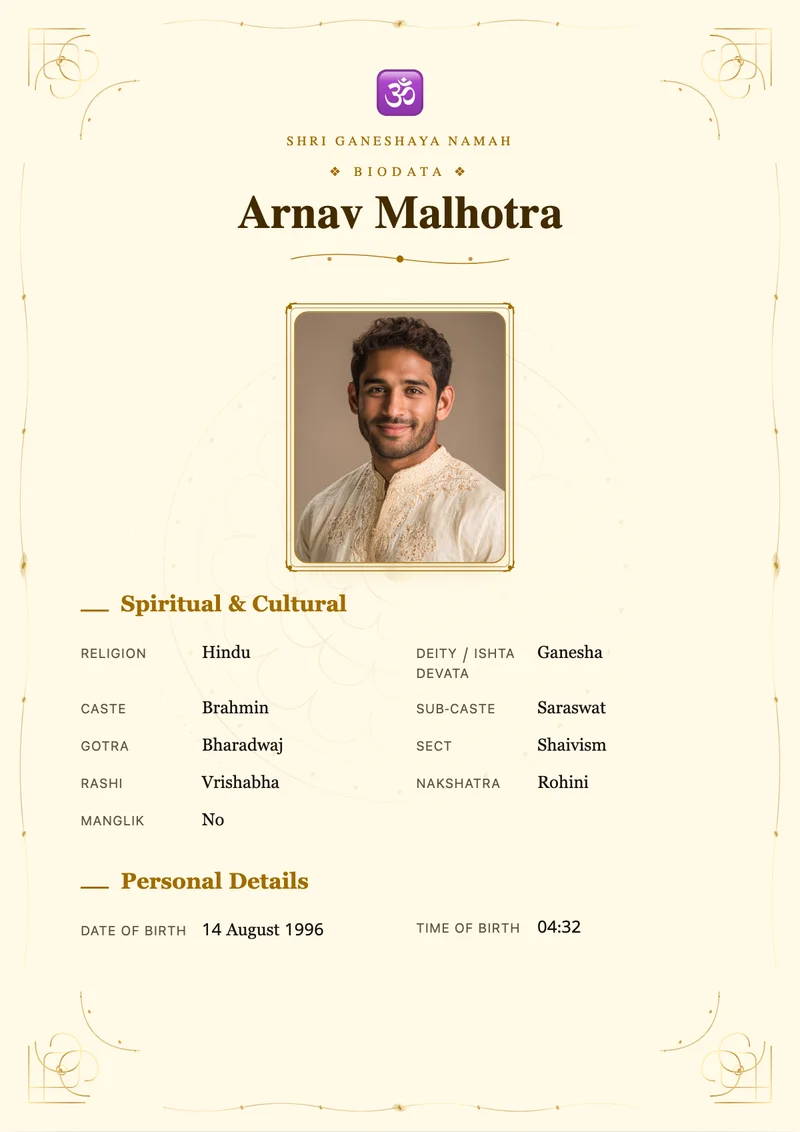
Headshot framed beside personal and family sections — never replaced by the standing photo.
→ Full photo fills page 2
Tall ~3:4 crop with template frame. Enable only when your family asks for a standing shot.
Why a full-length photo page matters
A headshot alone rarely shows attire, posture, or presence. Crowding a full-body image onto page 1 pushes text down and looks unfinished. The accepted pattern in many Indian formats is purposeful: page 1 for details, page 2 for the standing photo.
- Page 1 stays scannable for elders and matchmakers
- Page 2 shows traditional or formal dress clearly
- Opt-in — skip it when a one-page biodata is enough
- Separate uploads so studio portrait ≠ standing shot
How it works
How to add a full photo on Vivaahli
Five minutes for most families — same builder as every biodata, with one extra toggle on Design.
- 1
Build your biodata details
Fill personal, family, and contact sections so page 1 is complete before you think about photos.
- 2
Upload the page-1 portrait
On Design, crop a clear headshot to the template frame. This photo stays beside your details.
- 3
Enable full-length photo page
Toggle “Add full-length photo page”, then upload a standing photo and adjust drag/zoom to the tall ~3:4 frame.
- 4
Preview both pages
Live preview shows page count and framing before payment — what you see is what the PDF exports.
- 5
Download and share
Export a typically 2–5 MB A4 PDF ready for WhatsApp, email, or print.
Print-ready photos
Photo tips that print well
A good standing photo makes the appendix look intentional — not like a phone snap pasted on page 2.
Prefer standing, full attire
Traditional dress or formal wear, shoes included when possible. Half-crop mid-thigh looks incomplete in the tall frame.
Plain background, soft light
Avoid busy walls and harsh noon shadows. Soft daylight or studio light keeps skin tones clean on paper.
Use crop, don’t stretch
Drag and zoom inside the frame. Stretching a square selfie into 3:4 looks distorted in print.
Different shot than page 1
Keep a tight portrait on page 1 and a full-length shot on page 2 — two photos, two jobs.
Works on every template
Designer frames for page 1 and page 2
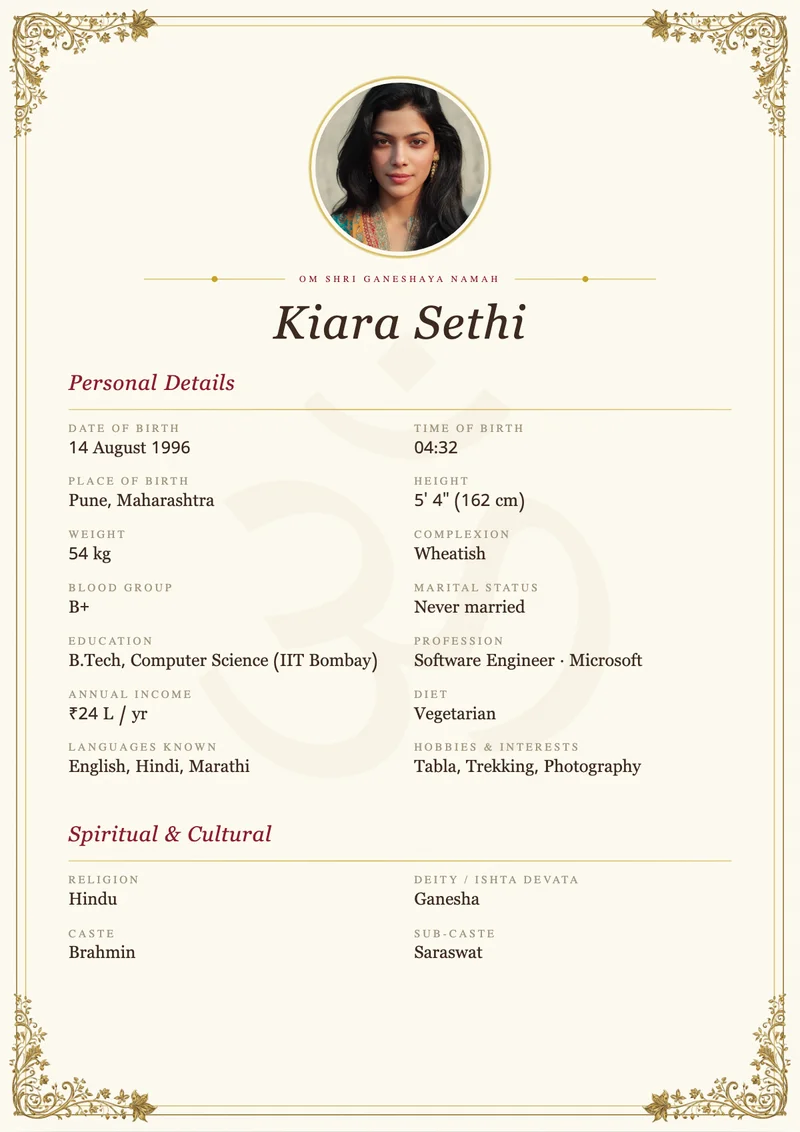
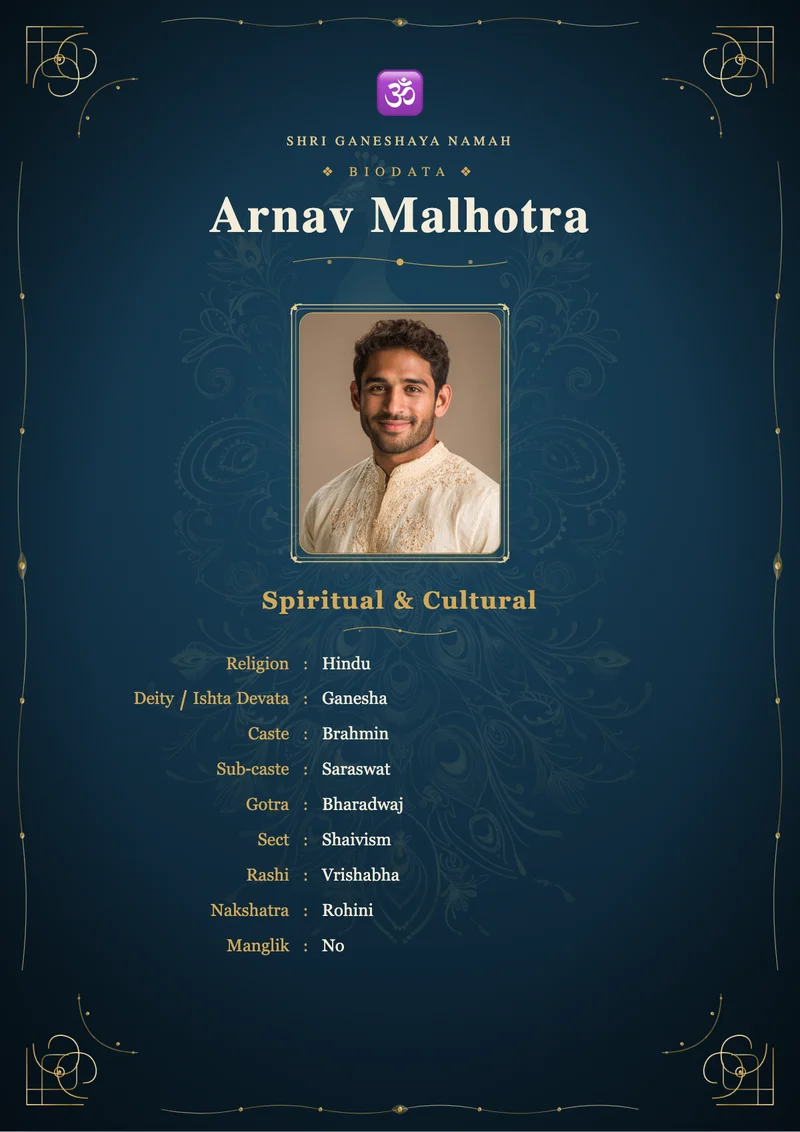
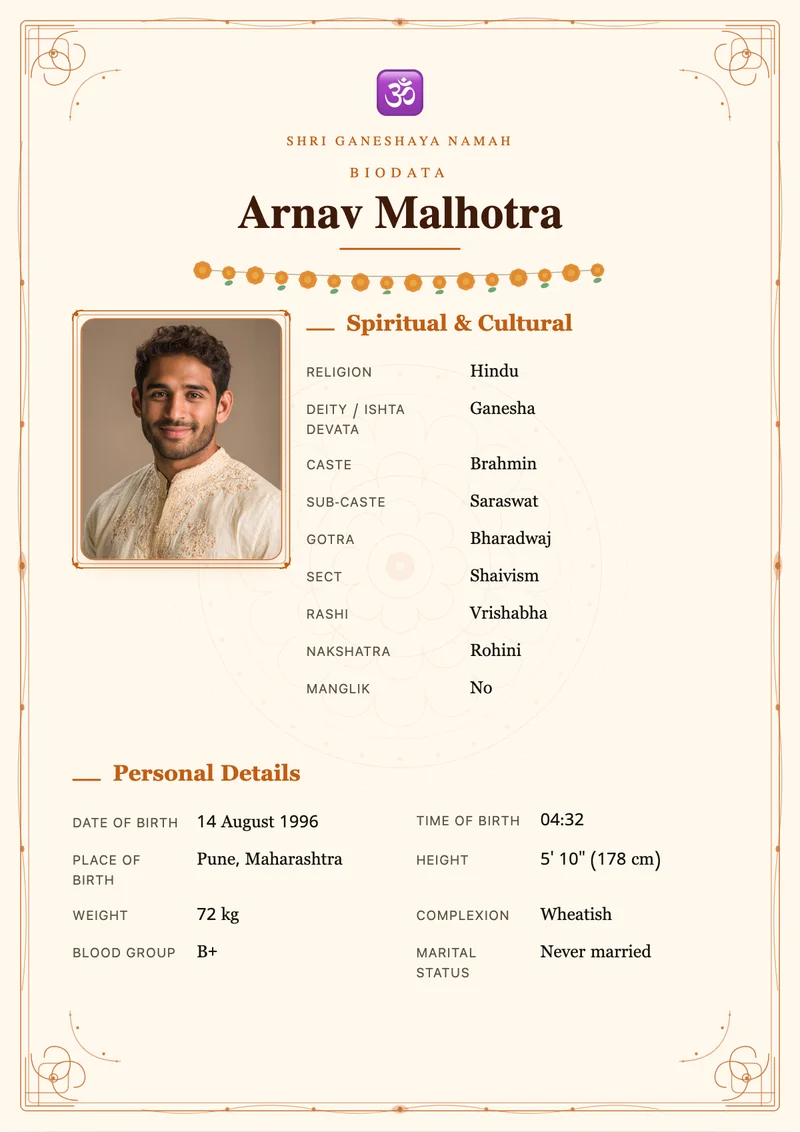
Ornate traditional layouts and clean modern ones both support the full-length appendix — preview live before you download.
Common questions
It is a matrimonial PDF with the usual page-1 portrait plus an optional second page showing a full-length standing photo — common in traditional Indian biodata formats when families want attire and presence visible without crowding the text page.
Portrait + full length
Add the full-length page your family expects
Start free, preview both pages live, and download a WhatsApp-ready PDF when you are ready — no signup wall.
Create biodata with full photoFree preview · One-time payment · No signup
Related pages
Keep exploring formats, languages, and guides connected to this topic.
Related biodata pages
More biodata guides
Explore formats, languages, states, and communities for Indian marriage biodatas.